
How to Change Your Subscription
Please contact us through the inquiry form to make changes to your subscription, or you can change it from your account page. Below are instructions on how to make changes from your account page.
Log in to My Page
Log in to My Page and access the subscription management screen using the “Manage Subscription” button.

Select the subscription you want to change.
Please select the subscription you want to change from the subscription list.
Edit the content and save it.
Change the delivery date, quantity, delivery address, and other details, then click the Save button.

Support your gut health with kestose.
-
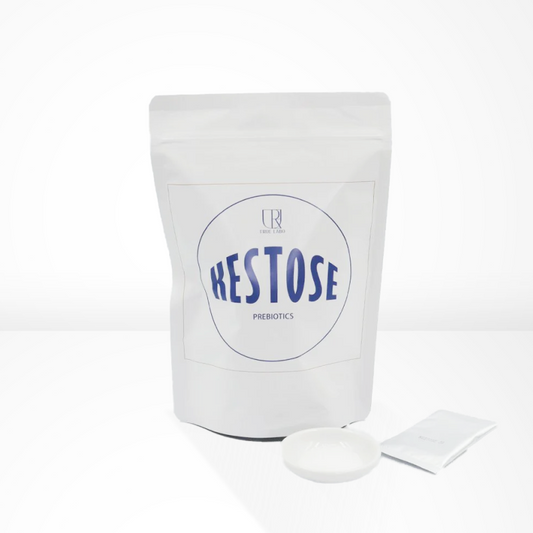
[Monthly subscription] Kestose (3g x 30 sachets) Intestinal environment prebiotic oligosaccharide
Regular price $26.00 USDRegular priceUnit price per -
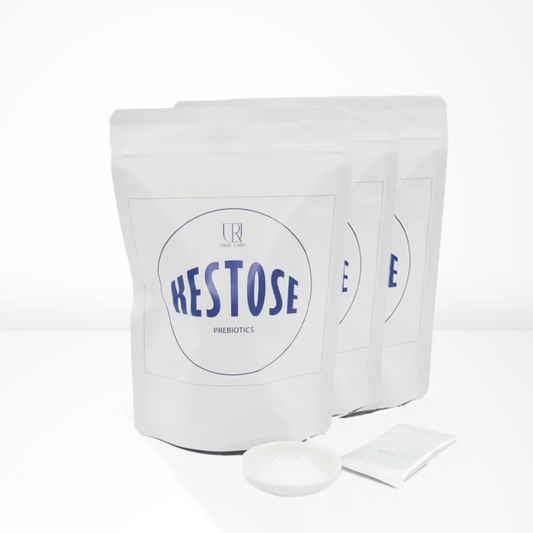
[Monthly subscription] Kestose (3g x 30 sachets) x 2 sets Intestinal environment prebiotic oligosaccharide
Regular price $52.00 USDRegular priceUnit price per -
[Monthly subscription] Kestose (3g x 30 sachets) x 3 sets Intestinal environment prebiotic oligosaccharide
Regular price $78.00 USDRegular priceUnit price per -
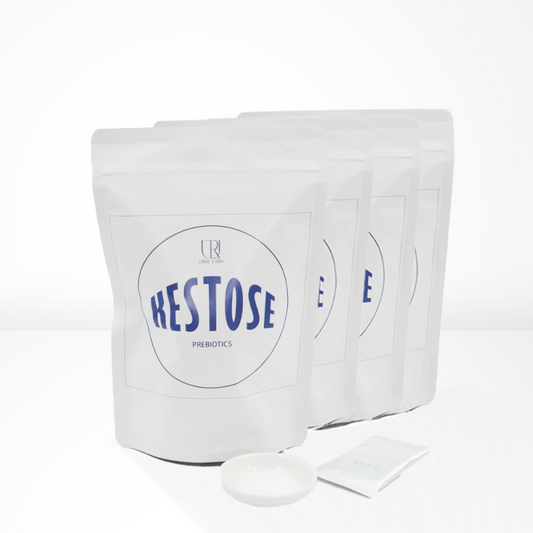
[Monthly subscription] Kestose (3g x 30 sachets) x 4 sets Intestinal environment prebiotic oligosaccharide
Regular price $103.00 USDRegular priceUnit price per
![[Monthly subscription] Kestose (3g x 30 sachets) Intestinal environment prebiotic oligosaccharide](http://aidaya.shop/cdn/shop/files/11_84177fe6-a9b2-436e-9d65-c2e970fa88c1.png?v=1756813170&width=533)
![[Monthly subscription] Kestose (3g x 30 sachets) x 2 sets Intestinal environment prebiotic oligosaccharide](http://aidaya.shop/cdn/shop/files/12_b0502f55-0a97-4613-b661-389adc8bddf7.png?v=1756813168&width=533)
![[Monthly subscription] Kestose (3g x 30 sachets) x 3 sets Intestinal environment prebiotic oligosaccharide](http://aidaya.shop/cdn/shop/files/13_a64c499a-e4be-4527-8cf5-204f1f8e5895.png?v=1756813169&width=533)
![[Monthly subscription] Kestose (3g x 30 sachets) x 4 sets Intestinal environment prebiotic oligosaccharide](http://aidaya.shop/cdn/shop/files/14_20a70cb9-ee50-4648-8d8c-12db833b463e.png?v=1756813166&width=533)
Protein-rich multigrain rice
-
Example product title
Regular price $19.99 USDRegular priceUnit price per -
Example product title
Regular price $19.99 USDRegular priceUnit price per -
Example product title
Regular price $19.99 USDRegular priceUnit price per -
Example product title
Regular price $19.99 USDRegular priceUnit price per
Gut Health Set (Kestose & Tohokami Rice)
-
[Set Discount] Gut Health Granola × Cestos Set
Regular price $34.00 USDRegular priceUnit price per
![[Set Discount] Gut Health Granola × Cestos Set](http://aidaya.shop/cdn/shop/files/abe9bb5ef0dbcc49f36052b2d42b5b05_1f351266-d726-4035-bce7-29dbceecbb0e.png?v=1779868896&width=533)
Kestose Gut Health Journal
View all-

Why Is the Gut Called the “Second Brain”? What ...
I’ve compiled the origins of the phrase “the gut is the second brain” and how the gut and brain communicate (the gut–brain axis), drawing on research papers and university publications....
Why Is the Gut Called the “Second Brain”? What ...
I’ve compiled the origins of the phrase “the gut is the second brain” and how the gut and brain communicate (the gut–brain axis), drawing on research papers and university publications....
-

What Are Probiotics? A Look at the Microbes in ...
I’ve drawn on materials from international conferences and public agencies to explain what “probiotics” are and how they differ from fermented foods. I’ll also cover the microbes at work in...
What Are Probiotics? A Look at the Microbes in ...
I’ve drawn on materials from international conferences and public agencies to explain what “probiotics” are and how they differ from fermented foods. I’ll also cover the microbes at work in...
-

What Is Gut Flora? A Simple Guide to “Good,” “B...
I’ve used research materials to clearly explain the community of bacteria that lives in your gut, known as the “gut microbiome,” and the familiar terms “good bacteria,” “bad bacteria,” and...
What Is Gut Flora? A Simple Guide to “Good,” “B...
I’ve used research materials to clearly explain the community of bacteria that lives in your gut, known as the “gut microbiome,” and the familiar terms “good bacteria,” “bad bacteria,” and...


